OO.STUDIO / INTERNAL PROJECT
History you can
get your hands on.
Games in Time · Play & learning by oo.studio
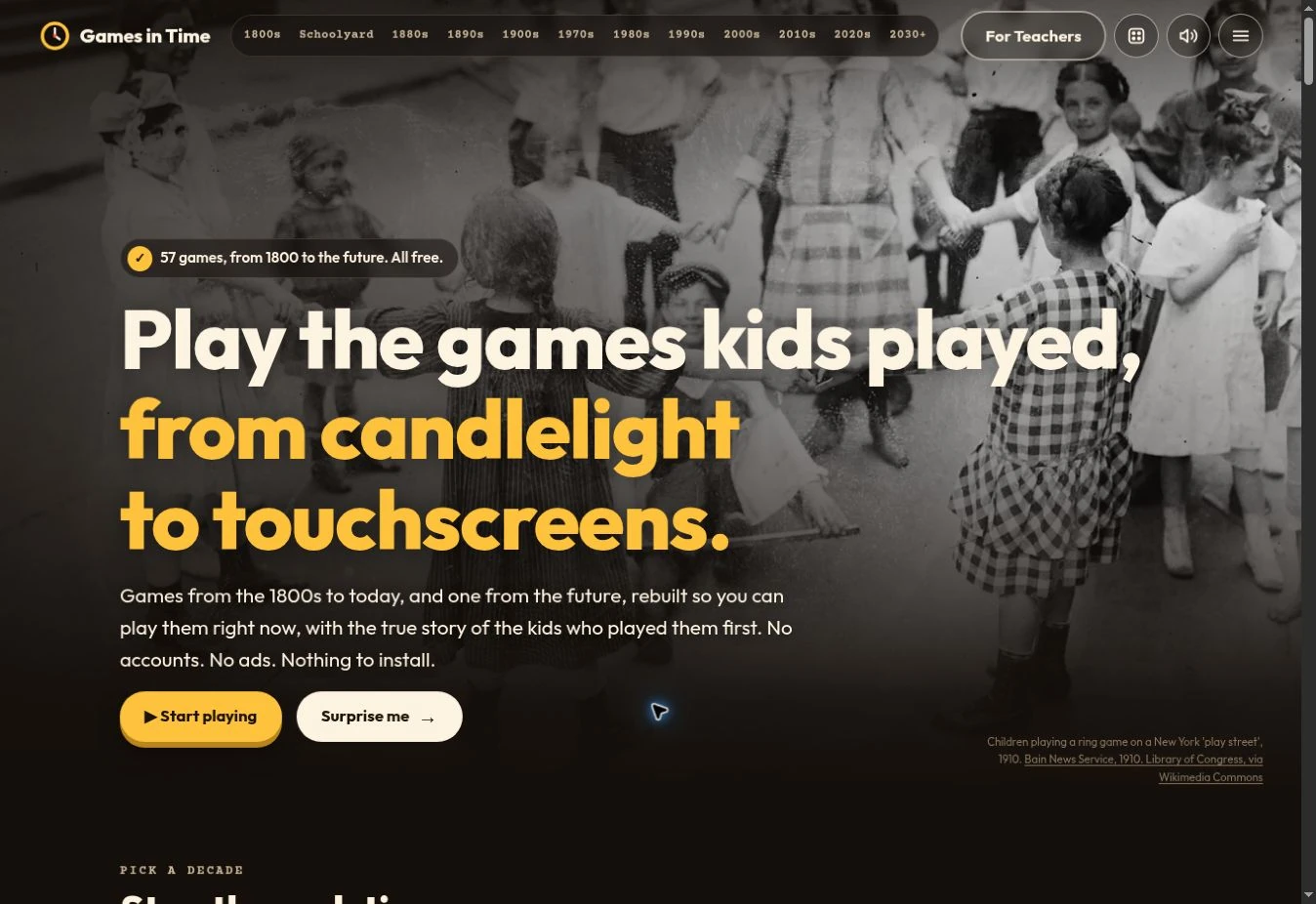
What did children play before touchscreens? A question from my daughter became Games in Time: a free journey through the games of the 1800s to today, with a glimpse of what might come next. Read the story. Learn the rules. Have a go.
- Project type
- Internal project
- The project
- Games in Time · Created by oo.studio
- Made for
- Curious young people, teachers
and anyone who loves a game - My work
- Product concept & website
Browser games & interaction
Historical context & learning resources
01 / A GOOD QUESTION
A little curiosity.
A doorway to another time.
It began with a question from my daughter about the games children her age enjoyed in the 1800s and 1900s. I wanted to give her more than a list of names. What if she could actually play them?
That idea grew into a collection of browser games arranged in halls, each with the look and feel of its era. Players can move from parlour tables and schoolyard slates to arcade cabinets and touchscreen puzzles, then explore a hall imagining the future.
02 / PLAY YOUR WAY IN
The game gets you curious.
The story takes you further.
Every game sits alongside instructions, historical context and a look at what children of the time were doing. Sources are listed on the game page, with uncertainty made clear where a story or date cannot be confirmed.
The experience also explains how its computer opponents choose their moves. Playing becomes an opening for questions about history, strategy and computing, with plain explanations close at hand.
- Games you can play in the browser
- Stories, pictures & historical sources
- Instructions beside each game
- Computer strategy explained simply
03 / BEYOND THE GAME
Made for discovery.
Useful in the classroom.
- 01
Give teachers a place to start.
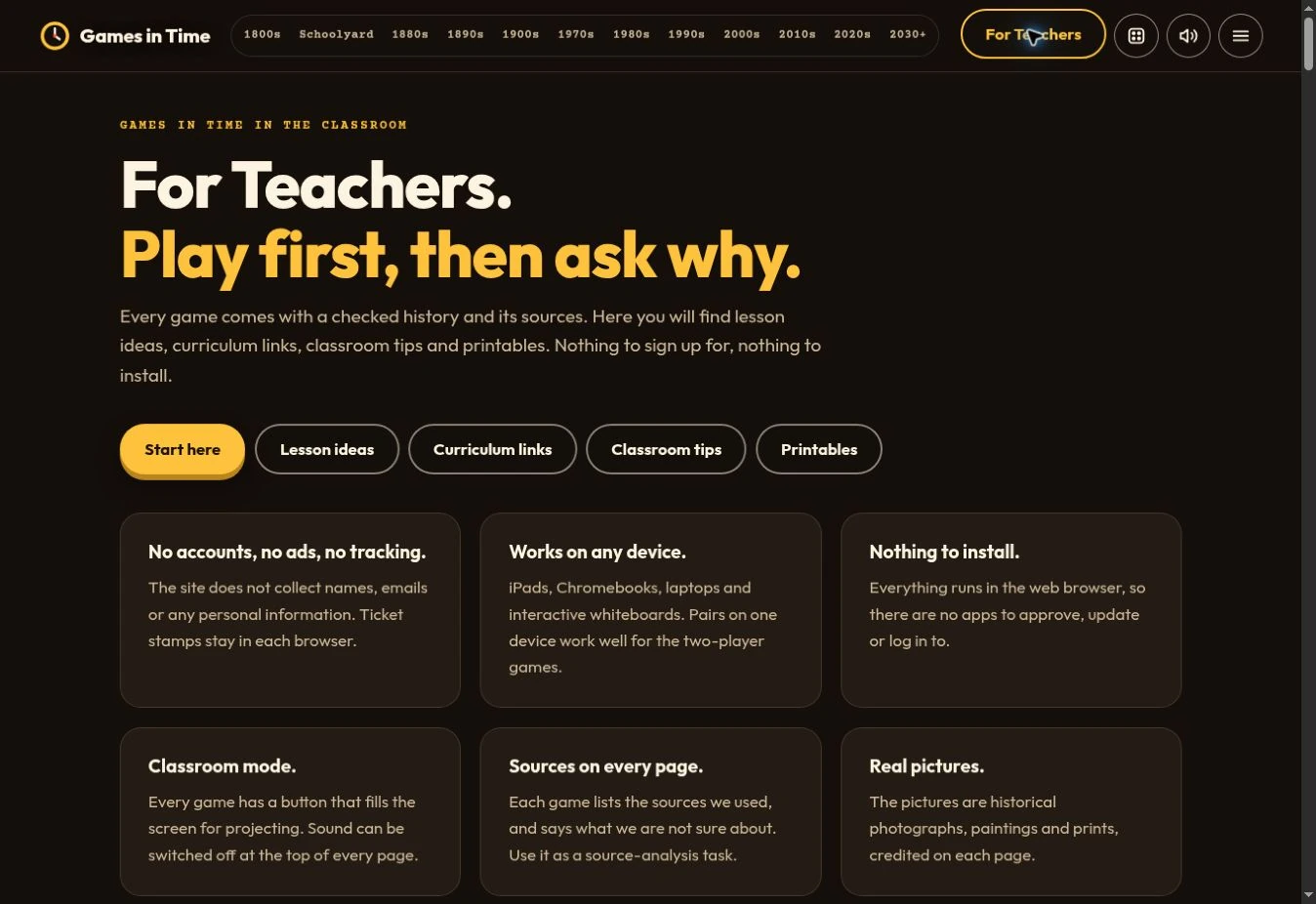
A dedicated For Teachers area brings together lesson ideas, curriculum links and practical tips, so educators can find ways to bring the games into a lesson.
- 02
Take the play off screen, too.
Printable activities extend the experience beyond the browser, making room for shared play and discussion around a table.
- 03
Keep the door open.
The project is free to use, with no account required and no ads. Games run in the browser, so a curious visitor can go straight from finding something interesting to trying it.
04 / WHAT I MADE
A collection to explore.
A reason to keep asking.
Games in Time brings research, visual storytelling and interactive development together in one approachable place. It shows what I enjoy making at oo.studio: digital experiences that start with a human question and invite people to get involved.
Play and explore for free (opens in a new tab)